- The Accounting Newsletter
- Posts
- Smart Strategies for Managing Paper Records and Receipts
Smart Strategies for Managing Paper Records and Receipts
Mastering Document Organization

The Accounting Newsletter .
June 14, 2025
Even in a world filled with digital tools and cloud storage, paper records and physical receipts still play an important role in business bookkeeping. Whether it’s a signed contract, a printed invoice, or a handwritten receipt, physical documents often carry legal or financial significance. But without a solid system in place, paper clutter can quickly become overwhelming. For small businesses, entrepreneurs, and bookkeepers, document organization is essential to keep finances in order and reduce stress, especially during tax season or an audit. This guide offers practical strategies to help you manage paper records and receipts with ease, turning stacks of paperwork into an organized, reliable resource.
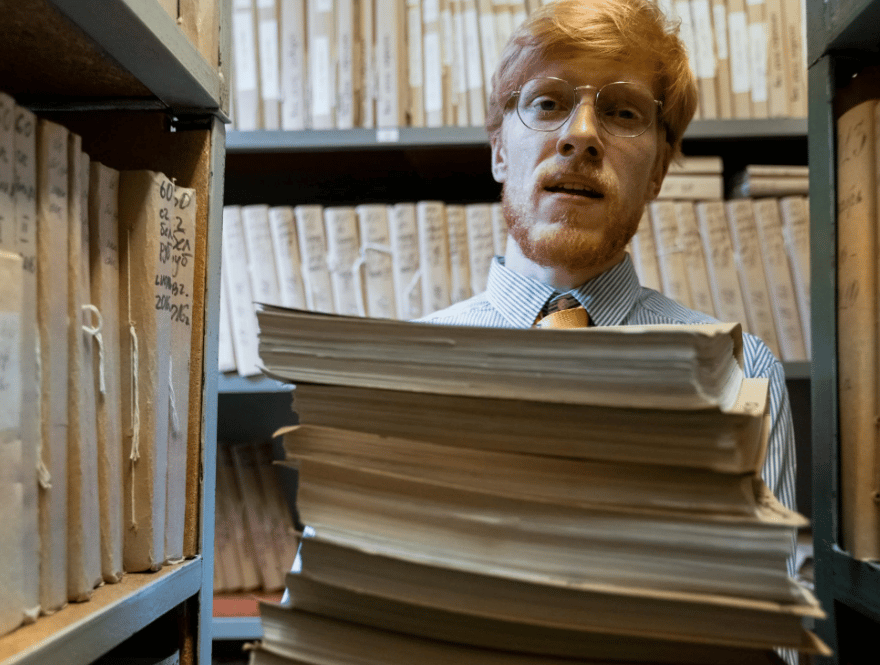
Why Document Organization Matters in Bookkeeping
Proper paper document management isn’t just about staying tidy. It's about:
Ensuring compliance with tax laws
Preparing for audits
Tracking business expenses accurately
Supporting financial transparency
Saving time when retrieving important documents
Without a structured system, you could lose track of receipts, miss deductions, or face unnecessary stress when regulators or accountants come calling.
Step One: Build a Consistent Filing System
Start by creating a filing system that’s easy to use and consistent. Organization begins with structure, and the more intuitive your system, the less time you’ll spend hunting for documents.
Here are some proven ways to categorize your paper records:
By expense type (e.g., utilities, travel, supplies)
By month and year for chronological sorting
By client or project for service-based businesses
By tax relevance, such as deductible vs. non-deductible expenses
Use tools like labeled manila folders, color-coded file tabs, or accordion-style file organizers. For example, red folders for tax documents, blue for vendor receipts, and green for payroll files. The goal is to make filing—and retrieving—quick and stress-free.
Step Two: Embrace Digital Backups for Security
While paper is still necessary in many situations, it’s also fragile. Paper can be lost, damaged, or destroyed due to accidents, theft, or natural disasters. That’s why backing up your paper documents digitally is a must for modern bookkeeping.
Here’s how to implement a secure digital document backup strategy:
Scan documents as soon as you receive them. Don’t let them pile up.
Use high-quality scanning apps that offer Optical Character Recognition (OCR). This allows you to search for text within documents later.
Store scanned copies in cloud-based platforms like Google Drive, Dropbox, or OneDrive. These platforms are easy to access and offer strong security features.
Create multiple backup locations—for example, local hard drives or secure USB drives—for redundancy.
Backing up your documents protects your business from loss and gives you peace of mind.
Step Three: Set a Regular Purge and Retention Schedule
You don’t need to keep every single document forever. In fact, clinging to outdated paperwork can create confusion and increase the risk of exposing sensitive information. Instead, follow a document retention schedule based on legal, financial, and operational guidelines.
Most tax and financial documents should be kept for at least 3 to 7 years, depending on your local tax laws. Contracts, employee records, and legal documents may require longer retention.
Create a quarterly or bi-annual review process to:
Sort and remove expired documents
Shred confidential paperwork to prevent identity theft or data leaks
Archive essential long-term documents in labeled storage boxes or filing cabinets
This approach helps you stay compliant, avoid clutter, and keep your document system streamlined.
Step Four: Invest in Reliable Document Management Tools
The right tools make a big difference in your ability to stay organized and efficient. If you’re relying on old boxes or a cheap scanner, consider upgrading to reliable tools designed for document management.
Here’s a list of must-haves for effective paper record keeping:
A high-quality scanner with automatic document feeder (ADF) and OCR functionality
A cross-cut shredder to securely destroy sensitive documents
Document management software that helps you categorize, tag, and search scanned documents
Acid-free storage boxes or file cabinets for long-term storage of essential records
Good equipment saves time, reduces risk, and supports a paper management system that grows with your business.
The best systems only work when they’re used consistently. To maintain your paper document organization, integrate it into your regular workflow. Don’t let receipts pile up on your desk for weeks. Instead, scan, label, and file documents the same day or schedule a weekly catch-up session.
Step Five: Make Document Organization Part of Your Routine
Create a checklist or simple standard operating procedure (SOP) for document handling, so everyone on your team knows what to do. When document organization becomes a habit, it’s no longer a chore—it’s just part of running a smart, efficient business.
Final Thoughts: A Simple System with Big Benefits
Staying on top of paper record management doesn’t have to be complicated or time-consuming. With a consistent filing system, regular digital backups, scheduled purges, and the right tools, you can turn your paperwork from a problem into an asset.
Well-organized paper records:
Save you time and headaches
Make tax prep easier
Improve financial reporting
Protect your business in case of audit or dispute
Whether you’re a small business owner, a freelancer, or a bookkeeper managing client files, mastering document organization is a key part of successful financial management. Don’t wait until you’re buried in receipts—start building your paper management strategy today and reap the benefits all year long.